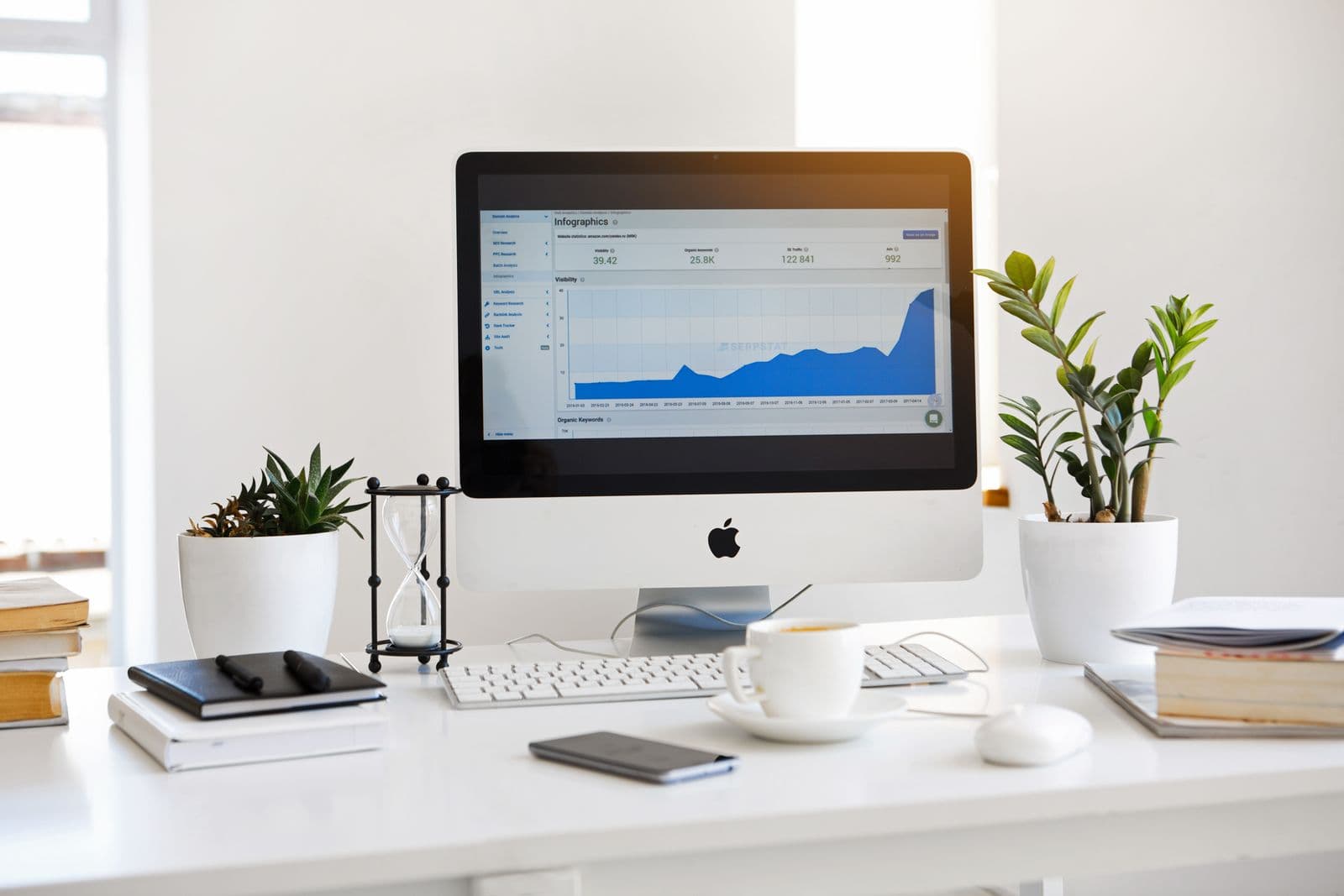
There's a dashboard graveyard in most SMEs. You know the one , a collection of beautifully built reports, carefully configured charts, and carefully colour-coded KPIs that were opened with great enthusiasm on launch day, bookmarked with genuine optimism, and then quietly never looked at again.
If that sounds familiar, you're in good company. And more importantly, it's not your fault. The problem isn't that your team doesn't care about data. It's that most business intelligence tools are designed around data availability, not decision-making. There's a meaningful difference between the two, and it's the reason so many dashboards end up forgotten.
Why Most Dashboards Get Ignored
Cast your mind back to the last time a dashboard was set up in your business. Chances are, someone pulled together every metric they could get their hands on , sales figures, website traffic, support tickets, headcount, maybe even the weather , and presented it all in one place. Comprehensive. Thorough. Impressive, even.
But here's the thing: comprehensive isn't the same as useful. When everything is on a dashboard, nothing stands out. Decision-makers scan the screen, feel vaguely informed, and move on to their inbox. The dashboard gets checked occasionally when someone asks a specific question, and ignored the rest of the time.
The other common failure mode is the dashboard that's technically accurate but practically useless. It shows you what happened last month, formatted in a way that requires a data analyst to interpret, built around the metrics your software happened to track rather than the questions your business actually asks.
The Real Problem: Designed Around Data, Not Decisions
The fundamental mistake in most BI implementations is starting with the data you have rather than the decisions you need to make. Your CRM has certain fields. Your accounting software exports certain reports. Your ops system logs certain events. So the dashboard shows you those things , because they're available, not because they're essential.
A decision-focused approach starts from a completely different place. Instead of asking "what data can we show?", it asks "what are the five questions our leadership team asks every single week?" Those questions become the brief. Everything else is noise.
For a COO at a growing SME, those questions might look something like this: Are we on track to hit this month's revenue target? Where are the bottlenecks slowing down fulfilment? Which customers are at risk of churning? Are our team's capacity levels sustainable? Is the pipeline healthy enough to plan next quarter's hiring?
None of these questions are answered by a default CRM report or a generic analytics dashboard. They require intentional design, the right data sources, and someone who understands your business well enough to know what actually matters.
How to Identify the Metrics That Actually Drive Action
The most useful exercise you can do before building any dashboard is embarrassingly simple: spend a week writing down every question you ask out loud. Every time you say "do we know how many...?" or "what's the current status of...?" or "can someone pull the numbers on...?", write it down.
At the end of the week, you'll have a list. That list is your dashboard brief.
From there, you're looking for the metrics that are both important and actionable. Important means they genuinely affect decisions. Actionable means that seeing the number will change what you do. If a metric is interesting but doesn't change anything, it belongs in a monthly report, not on a live dashboard.
For most SMEs, you'll end up with somewhere between five and fifteen key metrics. That's it. A single screen, updated in real time, showing the numbers that actually move the needle. That's the dashboard that gets opened every morning.
Connecting Your Systems to Feed the Right Numbers
Here's where things get technically interesting , though we'll keep this firmly in business language. One of the main reasons useful dashboards are hard to build is that the data you need usually lives in several different places. Your sales data is in your CRM. Your financial data is in your accounting software. Your operational data might be in a spreadsheet, a project management tool, or a bespoke system built five years ago by someone who no longer works there.
Most off-the-shelf BI tools handle this with varying degrees of success. Some have native integrations that work well. Others require expensive middleware, a data engineer, or a significant amount of faith that the sync will actually run overnight.
The alternative , and the approach we take at Fuselab Solutions , is to build the data connections as part of the solution itself. When we build a custom dashboard, we're not bolting a BI tool onto your existing stack and hoping for the best. We're designing the data architecture from the ground up, using a modern, reliable stack that's built to connect systems cleanly and keep data flowing accurately in real time.
That means when you look at your dashboard on a Tuesday morning, you're seeing Tuesday morning's numbers , not last night's export, not last week's manual update, not an approximation that's close enough.
Principles of Dashboards That Earn Their Keep
After building custom dashboards for SMEs across a range of industries, a few principles have emerged that separate the dashboards that get used from the ones that get forgotten.
Show fewer numbers, not more. Ruthless prioritisation is a feature, not a limitation. If someone has to scroll to find the number they care about, the dashboard has already failed.
Design for the person who will use it, not the person who built it. A dashboard built for a COO should look and feel different from one built for a finance director or a warehouse manager. The questions are different, the context is different, and the design should reflect that.
Make anomalies obvious. The most valuable thing a dashboard can do is surface the thing that needs attention. Colour coding, threshold alerts, and clear trend indicators turn a passive display of information into an active operational tool.
Update in real time, or as close to it as the business needs. A dashboard that's twelve hours out of date is still useful for some decisions and completely useless for others. Know which category your key metrics fall into, and build accordingly.
Keep it maintained. A dashboard is not a one-time project. As your business evolves, your key questions change. Build in a review process , quarterly is usually enough , to make sure the dashboard still reflects the decisions you're actually making.
How Fuselab Approaches Custom BI for SMEs
We start every dashboard project with a discovery process that's deliberately unhurried. Before we write a single line of code, we want to understand your business: how decisions get made, where the data lives, what questions keep you up at night, and what success looks like six months from now.
From there, we design the data architecture and the user experience together , because the best technical solution in the world is useless if no one opens it. We build on a modern, scalable stack using Next.js, Tailwind CSS, Supabase, Clerk, and Railway. These technologies were chosen deliberately: they're fast, reliable, secure, and built to scale as your business grows, without the enterprise-level costs that typically come with enterprise-grade reliability.
The result is a dashboard that's genuinely yours , built around your questions, connected to your systems, and designed for the people who will actually use it every day. Not a generic BI tool with your logo on it.
Getting Started: Book a Discovery Call
If you're running a growing SME and making decisions based on gut feel, monthly reports, or a patchwork of spreadsheets and disconnected tools, a well-designed custom dashboard could genuinely change how you operate.
Our Discovery service is designed to give you a clear picture of what's possible, what it would cost, and what the impact on your business could look like , before you commit to anything.
Book a discovery call and let's talk about the one number you wish you could see on your screen every morning. We'll help you build the dashboard that shows it to you.